workbench/isla@bifteki:~$real-time island film & exploration
Bifteki Taxi radioMEZE RUN
Music from Bifteki Taxi Synthesized live in your browser
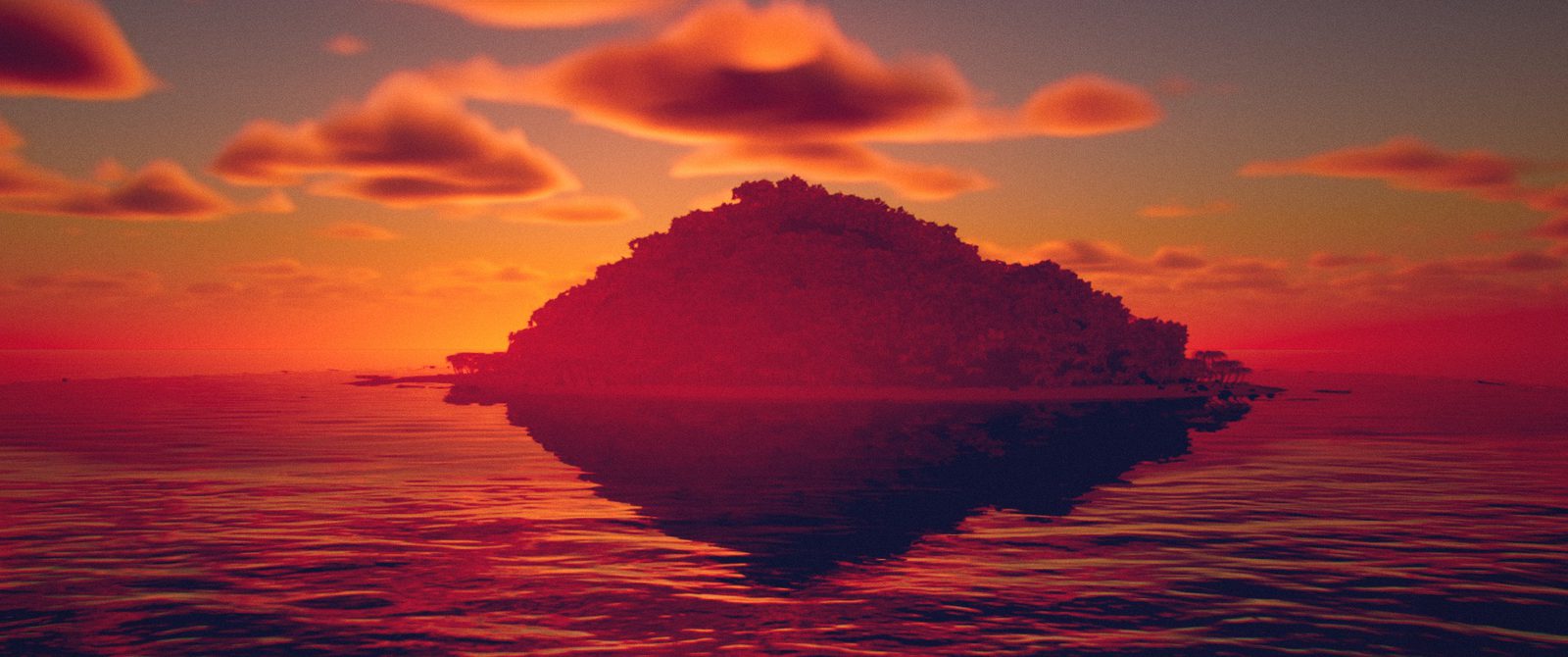
Original WebGPU render
021 / A real-time island film
ISLA
The credits can wait. There is an island to walk.
The last stars, a reef seen from above, palms against the sun, a shoreline glowing after dark. ISLA is a two-minute film that renders itself as you watch. Then the camera is yours: fly over the lagoon or land on the sunset beach and follow a forest trail to a waterfall.
WebGPU or WebGL 2 · desktop recommended · headphones welcome. The first visit prepares the world and shaders. Moving cameras, bright sunlight and lens effects. You can skip the film and explore at your own pace.
15 shotsFrom pre-dawn stars to bioluminescent surf
100 BPMA synthesized steelpan score sets the film’s clock
Watch · fly · walkOne world, three ways to see it
No scene asset downloadsTerrain, plants, textures and sound are generated
Behind the experience
A postcard is easy. Letting you walk into it is harder.
The lovely view has a lot going on underneath it: two water simulations, a forest that changes with distance, and a film whose edits take their timing from the sound.
01 / Ocean & shoreline
The beach needs a different kind of wave.
Tessendorf FFT cascades combine a JONSWAP wind sea with long swell. That describes the open ocean, not water running up the sand. The WebGPU path adds a shallow-water shoreline simulation, carries foam with the flow and throws spray particles from breaking surf. WebGL keeps the spectral ocean with a lighter shoreline treatment.
Planar reflections mirror the island. Refraction and Beer–Lambert absorption make the water change with depth; sun glitter catches the small slopes. WebGPU adds close-up capillary ripples and caustics refracted through the moving wave surface onto the sea floor. Distance-filtered displacement and slopes keep the horizon from shimmering.
03 / Forest & scale
A flyover forest has to survive eye level.
Around 520 palms and 3,600 broadleaf trees and shrubs establish the canopy. Walking adds roughly 27,000 procedurally placed understory plants, gathered by grid cell near the camera. Leaf silhouettes, crown normals and translucency do much of the visual work; dithered level-of-detail transitions are blended by temporal anti-aliasing.
04 / A walkable route
The trail has to earn the waterfall.
An A*-routed trail climbs from the beach through two switchbacks to a carved freshwater basin. Walking follows terrain height, limits steep slopes and deep wading, and collides with trunks and rocks. The waterfall’s path is simulated when the world is built; sheets, strands, spray and spatially synthesized sound sell the final approach.
05 / Picture & score
Let the music call the cuts.
Steelpan partials, bass, pads and percussion are synthesized with Web Audio. The director follows the AudioContext clock, keeping camera cuts on the score’s beats. Per-shot grading, depth of field, bloom and atmospheric perspective shape the image. Dynamic resolution changes during the film are reserved for cuts, where a scale change is less distracting.
06 / Two renderers
Choose the sea the machine can carry.
WebGPU and WebGL share the island, camera, story timing and audio, but load separate rendering backends. A first-visit measurement estimates WebGPU’s cost on the current screen and can select WebGL instead. The title screen lets you override that choice; WebGL also provides a fallback when WebGPU initialization or the device fails.
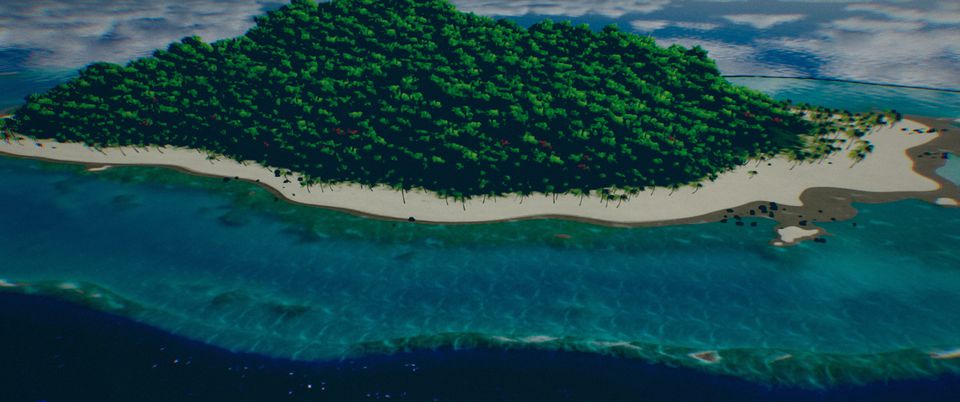
Original project capture · the WebGPU renderer, looking over the reef toward the island.
What this version is
A little film. A place to linger.
This is an audiovisual experiment and explorable island, not a quest-driven game. Both renderers tell the same film, but WebGPU adds more detailed water simulation and costs more GPU time. Performance depends on your device and screen; the title screen offers a renderer choice. Mouse, keyboard and touch controls are included, though a desktop gives the scene more room to breathe.
Controls
Follow the camera—or leave it behind.
Choose Play the film, Explore the island or Walk the island on the title screen. Esc leaves the film for free roam. In flight, drag to orbit, right-drag to pan, scroll to zoom and double-click to fly toward a spot; G lands. On foot, click for mouse-look, use WASD or arrows to walk, Shift to run and F to fly; Esc releases the mouse, with drag-look as a fallback. Touch uses drag-look and an on-screen movement pad. The time slider moves the sun, Space toggles timelapse, H hides the interface, and the music button toggles the score. Renderer choice and a screen-specific performance verdict are saved locally.
The return link above the player unloads the experience and its sound.